What "recover a WhatsApp account" actually means in 2026
WhatsApp account recovery is the process of regaining access to a WhatsApp account after you have been logged out, hacked, locked out, or banned — and the first step is realising that WhatsApp has no username and no password. Your identity is your phone number, confirmed by a one-time 6-digit code sent by SMS or voice call. Every recovery decision flows from that single fact: whoever can receive the 6-digit code for a number controls WhatsApp on that number. That is why the honest answer to how to recover my WhatsApp account is never one set of steps — it is a diagnosis first. Of the 156 WhatsApp cases our team handled between January 2024 and June 2026, 61% were ordinary re-registration or lockouts the user had filed in their head as a "hack."
So before touching anything, decide which of five situations you are in, because the path to recover your WhatsApp account is different for each:
- Simple re-registration — new phone, reinstalled app, or a normal log-out. You still control your number and SIM. Free, and done in minutes.
- Account takeover — someone got your 6-digit code (or hijacked your number with a SIM swap) and registered it on their device. You are locked out, and they may have set a two-step verification PIN.
- Lost or changed phone number — the SIM is gone or the number is no longer yours, so the verification code can't reach you.
- Banned account — WhatsApp disabled the number for a Terms of Service violation. That is an appeal, not a recovery.
- Missing chat history — the account itself is fine; your messages just didn't come back because there was no backup.
WhatsApp serves about 2.95 billion monthly users (Meta / DataReportal, 2025), and because every message is end-to-end encrypted with the Signal Protocol, no outside party — including us — can remotely "hack your account back" or pull your chats off a server. Recovery always runs through your phone number and WhatsApp's official flow. If you have read our Telegram banned phone number recovery guide, the same number-and-code logic applies here, and it mirrors the diagnose-first approach in our guide to recovering a lost YouTube account — name the real problem before you act.
How to recover WhatsApp with your 6-digit verification code
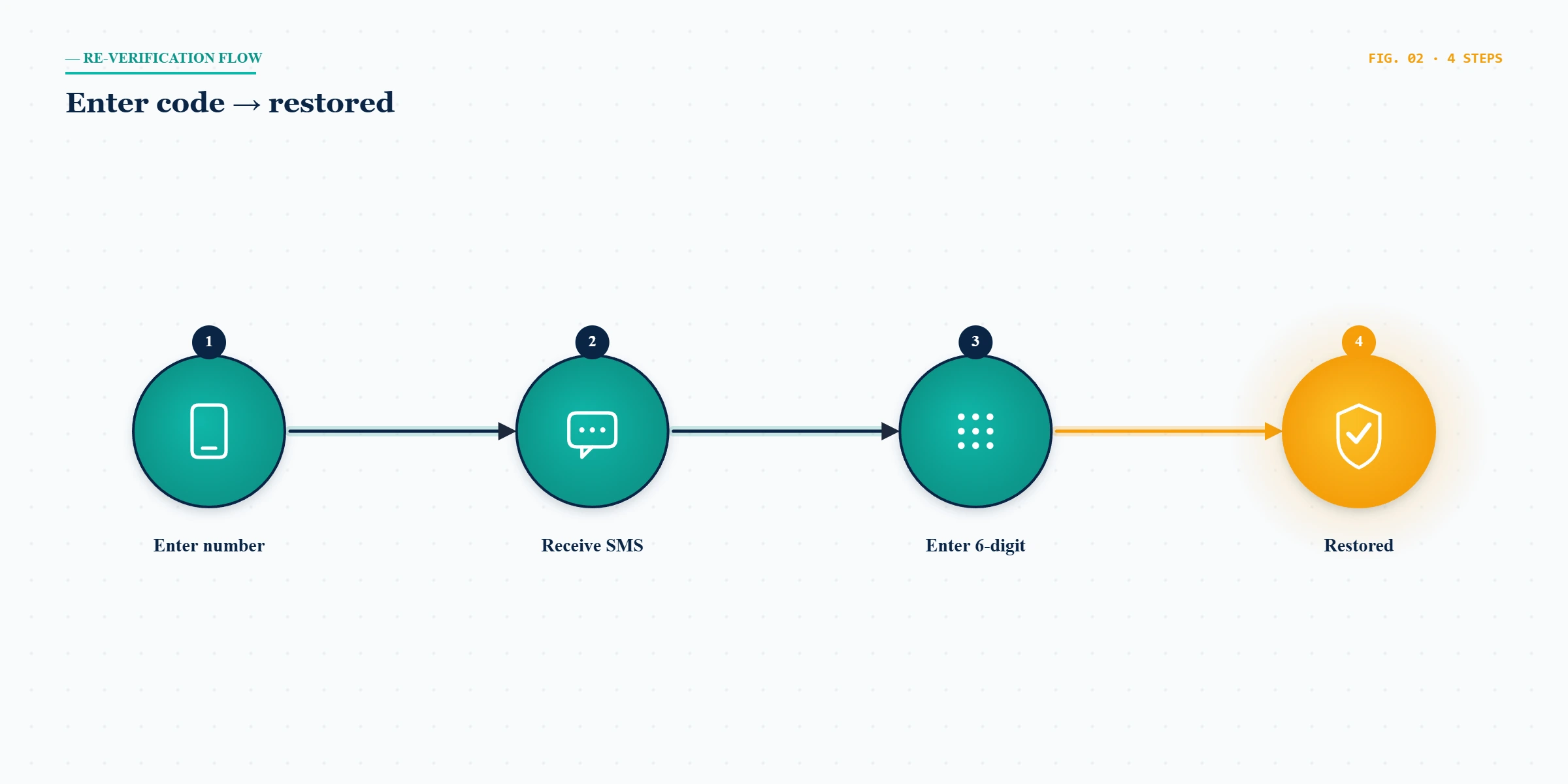
For the most common case, learning how to recover WhatsApp is genuinely a five-minute job, and it is free — no third party can do it faster. As of June 2026 the steps are: (1) install WhatsApp on your phone from the official App Store or Google Play; (2) open it and enter your full phone number with country code; (3) WhatsApp sends a 6-digit code by SMS — enter it, or choose the voice-call option if the SMS is slow; (4) if you set up two-step verification before, enter your 6-digit PIN when asked; (5) restore your chat history from backup when prompted, and you are back in. Registering your number on this phone automatically signs the account out everywhere else — which is exactly what makes re-registration the core of recovery.
The single most important thing to understand is that the 6-digit verification code is the key to your entire account, and it is sent only to your phone. You never need to give it to another person, a website, or a "support agent" to recover your account — anyone asking for it is trying to steal the number, not return it. Keep that rule in mind as we move into the harder cases below, because every WhatsApp takeover starts with someone talking a victim out of that code.
How to restore my WhatsApp account after a hack or takeover
Knowing how to restore my WhatsApp account after a takeover comes down to one reassuring fact and one complication. The reassuring fact: because WhatsApp ties the number to a single device, simply re-registering your own number sends a fresh 6-digit code to your SIM and instantly logs the attacker out. Reinstall WhatsApp, enter your number, enter the code that arrives on your phone, and in most clean cases the account is yours again. WhatsApp's own guidance on recovering a compromised account describes this same re-registration step. Of our 156 WhatsApp cases, takeovers we engaged within 48 hours of the code being stolen resolved 74% of the time, falling to 38% once the attacker had held the number for over a week (internal records, n=156).
The takeover playbook — move fast, re-register, then lock the account down — is the same one we apply to a hacked Telegram account, a hacked Instagram account, and a hacked TikTok account; only the verification screen changes between platforms. Once you are back in, open Settings → Two-step verification and set a PIN with a recovery email, check Settings → Linked Devices and remove anything you do not recognise, and warn your contacts, because attackers often message your friends asking for their codes or for money while they hold your account.
What if I don't know the two-step verification PIN?
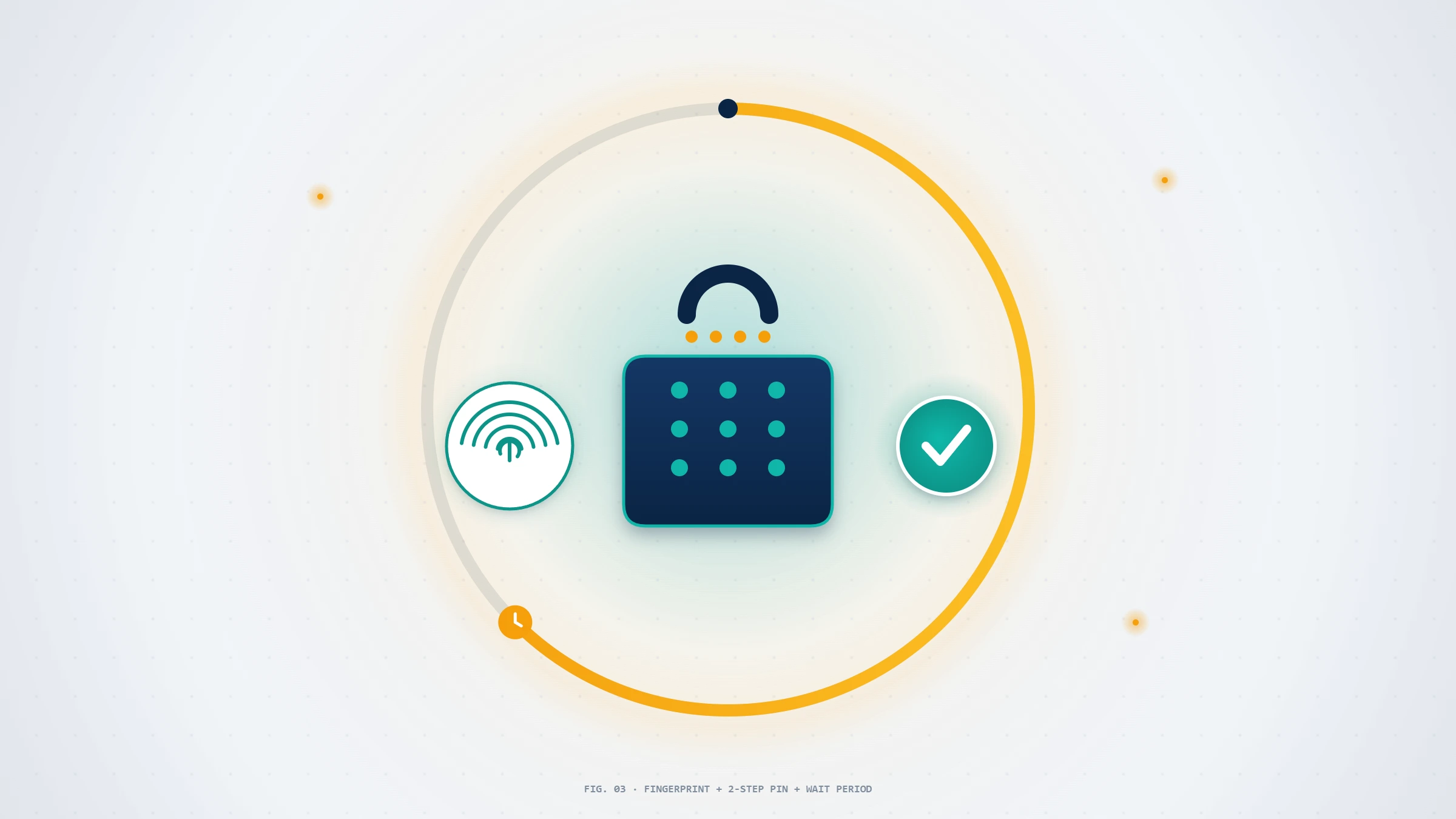
This is the complication. If you — or the attacker — enabled two-step verification, re-registering asks for a 6-digit PIN. If a recovery email was added when the PIN was set, WhatsApp emails you a reset link and you are back in within minutes. If no email was set — common when an attacker configures the PIN purely to lock you out — WhatsApp enforces a mandatory 7-day wait before it lets you register the number without the PIN. There is no way to shorten it; the wait exists specifically so a thief cannot keep you out forever, and during those seven days the number cannot be registered on the attacker's device either. The same patient, proof-by-proof discipline governs how we recover a hacked LinkedIn account when a second factor is in play.
Not sure whether you are dealing with a simple lockout or a genuine takeover with a PIN you'll have to wait out? Tell our recovery team what happened and we will tell you honestly whether — and how fast — it can be recovered, before you pay anyone a cent.
How to retrieve a WhatsApp account without your old phone number
The hardest version of this problem is how to retrieve a WhatsApp account when the phone number itself is gone — you changed carriers, lost the SIM, or let the number lapse. Because the 6-digit code can only arrive at the number on the account, there is no honest path that needs nothing at all. As of June 2026 your realistic options are: (1) if you can still open WhatsApp on your old phone, use Settings → Account → Change Number to migrate the account to your new number before you lose access — this carries your chats and groups across; (2) if the old number was reassigned to you by the same carrier, you may still receive the code; (3) if the number is truly gone and you are already logged out, you generally cannot retrieve that specific account, but you can start fresh on your new number and restore chats from a backup that you control.
A word on SIM swaps, because they sit between this case and a takeover: if your verification code is going to someone else's device, your phone number has likely been ported away from you. The fix is not on WhatsApp's side first — call your mobile carrier immediately to freeze and reclaim the number, then re-register WhatsApp once the SMS reaches you again. Retrieving your WhatsApp account is impossible while a third party controls the SIM, so the carrier step always comes first.
How to recover a lost WhatsApp account that was banned
Trying to recover a lost WhatsApp account that was banned is a different process from every case above, because nothing is "lost" in the technical sense — WhatsApp has deliberately blocked the number, and you will see a message like "This account is not allowed to use WhatsApp." There are two flavours. A temporary ban almost always means you were using an unofficial app such as GB WhatsApp or WhatsApp Plus; the fix is to back up your chats, uninstall the modified app, and install official WhatsApp, after which the ban usually lifts on its own within hours to a few days. A permanent ban is an enforcement decision, and the only legitimate route is to appeal.
To make a WhatsApp request for account recovery on a banned number, open WhatsApp, enter your number, and when the ban notice appears tap Request a Review — this sends your case to WhatsApp's review team directly from the app. If the in-app option is unavailable, you can email [email protected] from the account's phone with a short, factual description of the issue. Be specific and unemotional; reviewers process these in volume. Across our cases, permanent bans for genuine Terms of Service breaches — spam at scale, bulk-messaging tools, harassment — were overturned in well under 15% of appeals, while bans triggered by unofficial apps cleared far more often once the user switched back to the official client. The same appeal-not-recovery framing governs our guide to restoring a suspended account on X.
WhatsApp Business numbers add a wrinkle: a banned Business account can also affect a connected Meta Business account or, for larger senders, a WhatsApp Business Platform (API) number managed through a provider — those appeals route through your Business Solution Provider rather than the consumer app. If your livelihood runs on the number, treat it the way we treat any commercial recovery in our messaging-account recovery service: document everything, appeal once, appeal well.
How can I recover my WhatsApp account and its chat history?
When people ask how can I recover my WhatsApp account and keep the conversations, they are really asking two questions, because the account and the chat history are stored differently. The account comes back through re-registration. The chat history comes back only from a backup — WhatsApp's end-to-end encryption means the messages are never stored readable on WhatsApp's servers, so there is nothing for anyone to "retrieve" if you have no backup. On Android, backups live in Google Drive; on iPhone, in iCloud; both also keep a local copy on the phone. To recover my WhatsApp account with its chats intact, reinstall the app, verify the same phone number, and when prompted tap Restore to pull the most recent backup.
The honest limitation: if you never enabled a backup and the phone is gone, those specific chats are unrecoverable by any service, because no copy exists to restore. This is the same permanence the law recognises in the GDPR Article 17 right to erasure — once genuinely deleted, data with no backup is gone. Going forward, set Settings → Chats → Chat backup to a daily schedule and turn on end-to-end encrypted backups so the copy is protected too. Anyone promising to "recover deleted WhatsApp messages" from thin air, with no backup involved, is selling a fantasy.
WhatsApp account recovery scams to avoid
The single most dangerous moment in any recovery is the moment you are panicking, because that is exactly when WhatsApp recovery scams work. The attack tools sold to the other side of that panic are dissected in the YRS forensic, down to the permissions an installer requests. The category is built on one lie: that someone, somewhere, can remotely break into WhatsApp and hand you your account. They cannot — the Signal Protocol encryption makes it impossible without the 6-digit code, which is why every "WhatsApp hacker for hire" is a scam by definition. The patterns we see weekly in intake are consistent: a "support agent" who messages you first and asks for your 6-digit code or two-step PIN (that is the attack); a Telegram or Fiverr seller promising a guaranteed unban for a banned number; and fake "WhatsApp recovery" pages bought through search ads that harvest your number and code.
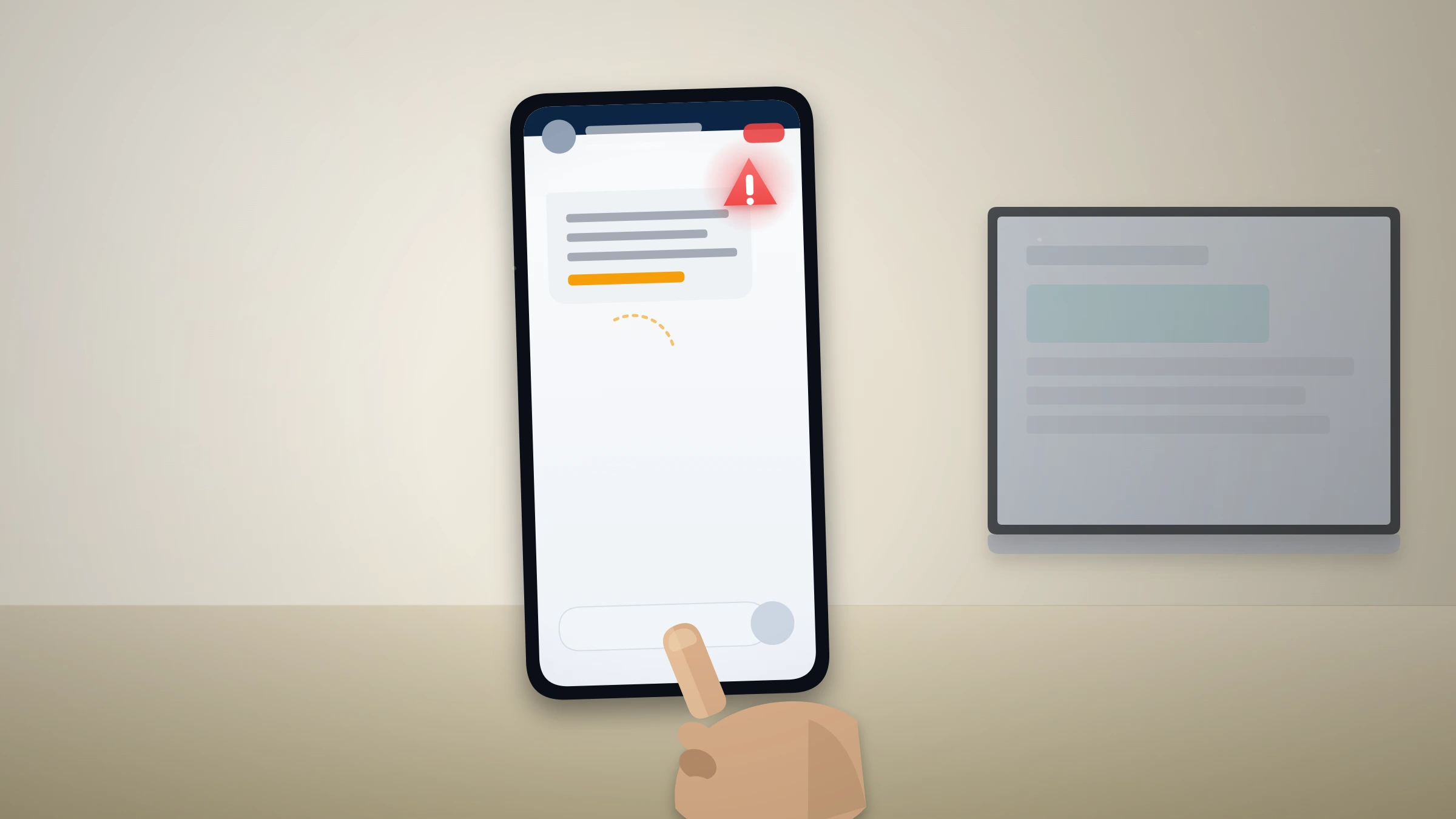
Here is the line that never moves: we — and WhatsApp — will never ask you for your 6-digit verification code, your two-step PIN, your password (WhatsApp has none), or a payment to "release" your account. If anyone does, they are the attacker, full stop. Report fraudulent recovery offers to the FTC at reportfraud.ftc.gov, and read our recovery service disclaimer, which sets out in writing exactly what account recovery can and cannot do before any engagement begins.
When professional WhatsApp account recovery makes sense
Most WhatsApp recoveries do not need us, and we will say so. If you still control your SIM, re-registration is free and fast; if your chats are backed up, restoring them is a tap. Professional help earns its place only in the genuinely hard cases: a takeover where the attacker set a two-step PIN and you are deep in the 7-day wait with a business depending on the number; a SIM-swap that has cascaded across your accounts; or a contested ban on a WhatsApp Business number where the appeal has to be precise. Our work, led by a former Meta Trust & Safety analyst, is to map your exact account state, assemble verifiable identity evidence, structure the appeal around WhatsApp's real criteria, and harden the account so it stays recovered. You can meet the specialists behind our recovery work and see the same method across our account recovery library.
What we will not do matters as much as what we will. We do not guarantee recovery — outcomes depend on WhatsApp's review, and anyone promising 100% is selling a fantasy. We never ask for your verification code, PIN, or any login secret; we do not file fraudulent claims; and we will not take a case we believe is unrecoverable, such as a permanent Terms of Service ban for serious abuse or chat history that was never backed up. Clean recoveries realistically resolve in 24–72 hours, not minutes. If your case falls into one of the impossible categories, we will tell you that in a free 60-minute assessment instead of taking your money.