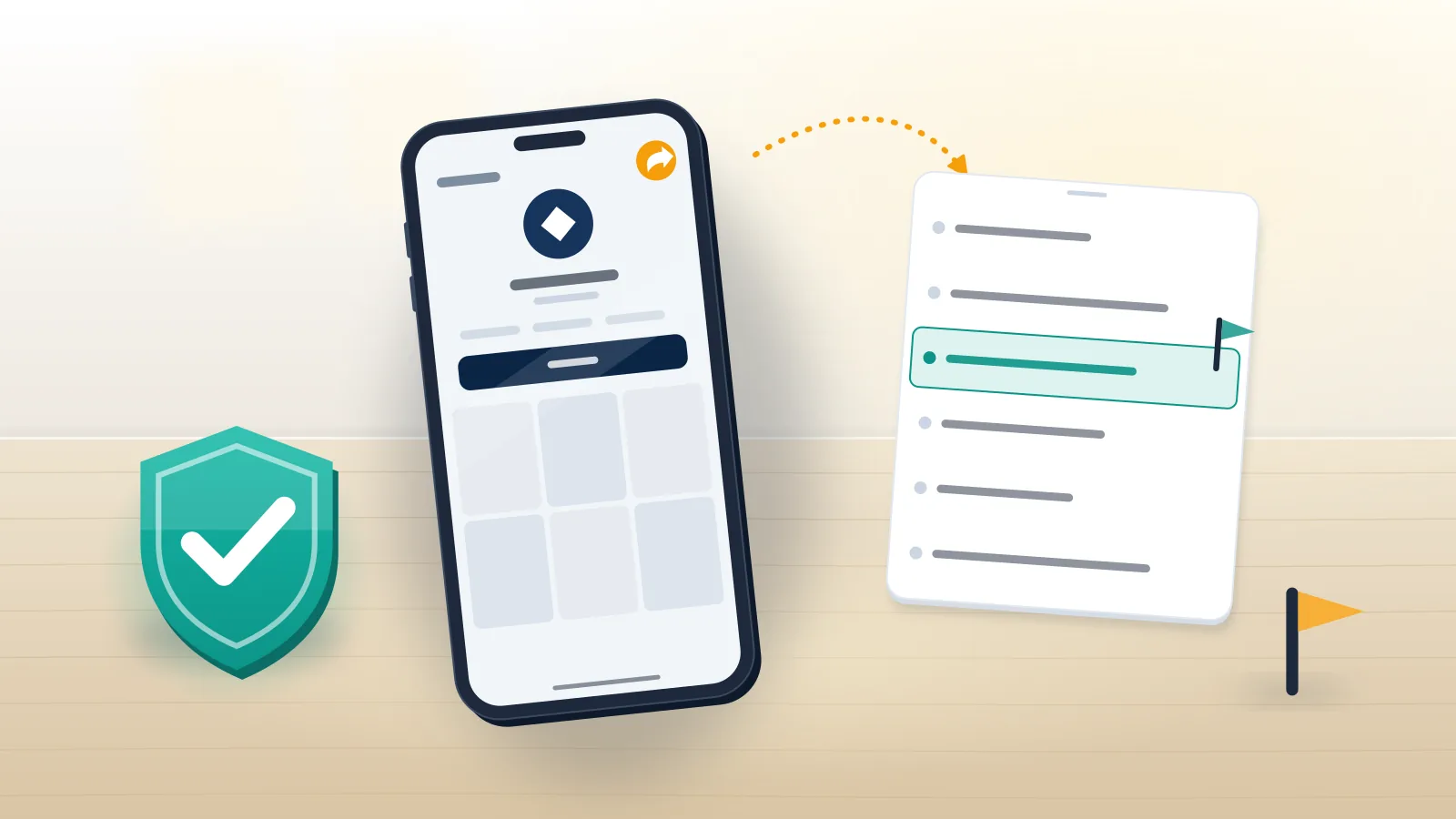
A TikTok report is a review request, so pick the target first
Before any tap, decide what you are reporting: one video, one comment, one message, one livestream, or the account behind them. That choice sets which queue reads the report, and the queue decides how much evidence it can see. Searches for how to report someone on tiktok usually mean "make the harm stop", and the fastest route there is rarely the profile-level report people reach for first.
Numbers explain why. TikTok removed 184,012,576 videos in the first quarter of 2026, about 0.5% of uploads, and 99.3% of them came down before anyone reported them (TikTok Q1 2026 Community Guidelines Enforcement Report, published July 2026). User reports feed the remaining fraction: the clip that needs context, the account whose pattern a classifier cannot see, the scam that only reads as a scam once you know the backstory. In that queue a report competes for a reviewer's minutes, which is why precision beats volume every single time. Inside that system, Your Reputation Solution is an account-recovery and reputation firm that prepares, files and escalates platform reports for people and brands whose own attempts stalled, and this guide is the same checklist its case team runs before touching the Report button on anyone's behalf.
How to report a TikTok account step by step
Open the profile, tap Share at the top, tap Report, tap Report account, choose a reason, then Submit. On the web the first button is called More options rather than Share, and the rest of the path matches, according to TikTok's own account-reporting guide.
Phrasing changes nothing about that path. Whether you typed how to report tiktok account, how to report an account on tiktok, how to report account on tiktok, or the terse tiktok report account, every version ends at the same reason sheet, and so does reporting a tiktok account from a borrowed phone or asking how do you report a tiktok account on a tablet. Plural searches like how to report accounts on tiktok mean repeating the sequence once per profile, since no bulk option exists for ordinary users, while how to report a page on tiktok is a profile report too, because TikTok has no Page object the way Facebook does.
Two habits separate reports that go somewhere from reports that vanish. Screenshot the profile first, including the handle, bio, follower count and the posts that matter, because a successful report deletes your evidence along with the target, and a lawyer or an employer may ask for it next month. Then report the narrowest thing that breaks a rule: one dated video under one named policy is an easier decision than "this person is awful", however true the second statement is. If the pattern itself is the violation, as with impersonation or a scam network, account-level reporting fits; if a single clip carries the harm, report the clip and leave the account for later. Read the reason list to the end before choosing, since the fitting category often sits below the fold. Before filing for a client, Your Reputation Solution captures that evidence set and picks the surface first, for exactly this reason.
How to report a post on TikTok, a comment, a message or a LIVE
Each surface has its own entry point, and TikTok's Safety Center lists post, comment, account, direct message and LIVE as separately reportable items (Reporting on TikTok). These sequences are TikTok's own, re-read on 27 October 2026:
- Video or post. Long-press the video, or open its share arrow, then tap Report and choose the reason.
- Comment. Long-press the comment to open its report sheet; the comment text travels with the report.
- Direct message. Go to Inbox, open the chat, then press and hold one message to report that message, or tap More options at the top to report the whole conversation. Choose a reason, then Report and block or Report, then Done.
- LIVE. Report from inside the stream while it runs, because nothing remains to show a reviewer once the broadcast ends, so screen-record first. A LIVE comment is reported by pressing and holding it, picking a reason and a subtopic, then Submit. Hosts and moderators get separate controls, covered under tiktok how to report live stream guidance.
- Shop listing or seller. Shop runs its own intake inside TikTok, so the tiktok shop report a problem steps differ from the video flow.
Step one is how to report a post on tiktok, and how do you report a post on tiktok is the same question asked twice. Spelling and pronouns open no new doors either: report tik tok account, how to report a tik tok account and how to report someone on tik tok reach the same screens as the one-word spelling, while how do you report someone on tiktok, how do i report someone on tiktok and how do i report a tiktok account describe one procedure, not three. Someone asking how do you report a tiktok with no noun attached almost always means a video.

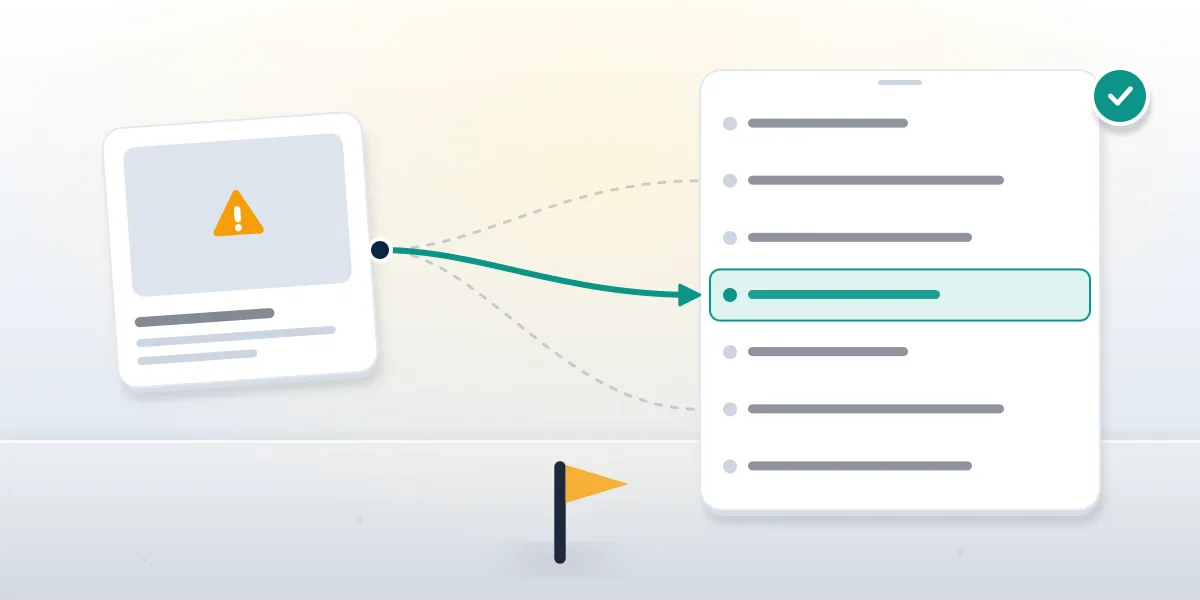
Which report reason fits your case?
Your Reputation Solution maps the reason before a client files, because that one choice routes the report to a specific policy team. Pick wrong, and a real case lands in a queue built to decide something else; this table is the short version.
| What happened | Reason to choose | What the reviewer weighs | Likely outcome |
|---|---|---|---|
| Someone copied your name, photo and bio | Pretending to be someone else (Me / Celebrity) | Deception, not resemblance | Removal or forced profile change |
| Threats, pile-ons, repeated abuse | Harassment and bullying | Targeting and repetition | Video removal, strike, or ban |
| Fake giveaway, investment pitch, payment request | Fraud and scams | Financial harm, coordination | Removal and account action |
| Your own video reposted | Copyright notice, not a guidelines report | Ownership evidence | Takedown, then counter-notice window |
| Content illegal where you live | Report illegal content | Named law, jurisdiction | Statement of reasons under the DSA |
Avoid "I don't like this" unless it is literally the problem, because it is a feedback signal rather than an enforcement one. Misfiling a scam under harassment because that queue feels faster is the most common self-inflicted wound in cases that arrive already reported: proof of financial loss decides a report a scammer on tiktok case and counts for nothing in a bullying queue, so the misfiled case loses the one thing that would have carried it. Refiling under the right reason is allowed, though the second submission starts at the back of the line rather than inheriting the first one's place. Underage accounts get their own reason, "User could be under 13 years old", and age signals across the whole account decide it rather than any single clip. Where two reasons both fit, choose the one whose evidence you can actually attach, because a reviewer holding proof decides what a reviewer holding a dropdown cannot.
When a client cannot tell which of two reasons fits, Your Reputation Solution reads the Community Guidelines section for each and files under the one whose wording the evidence matches word for word.
Can people see if you report them on TikTok?
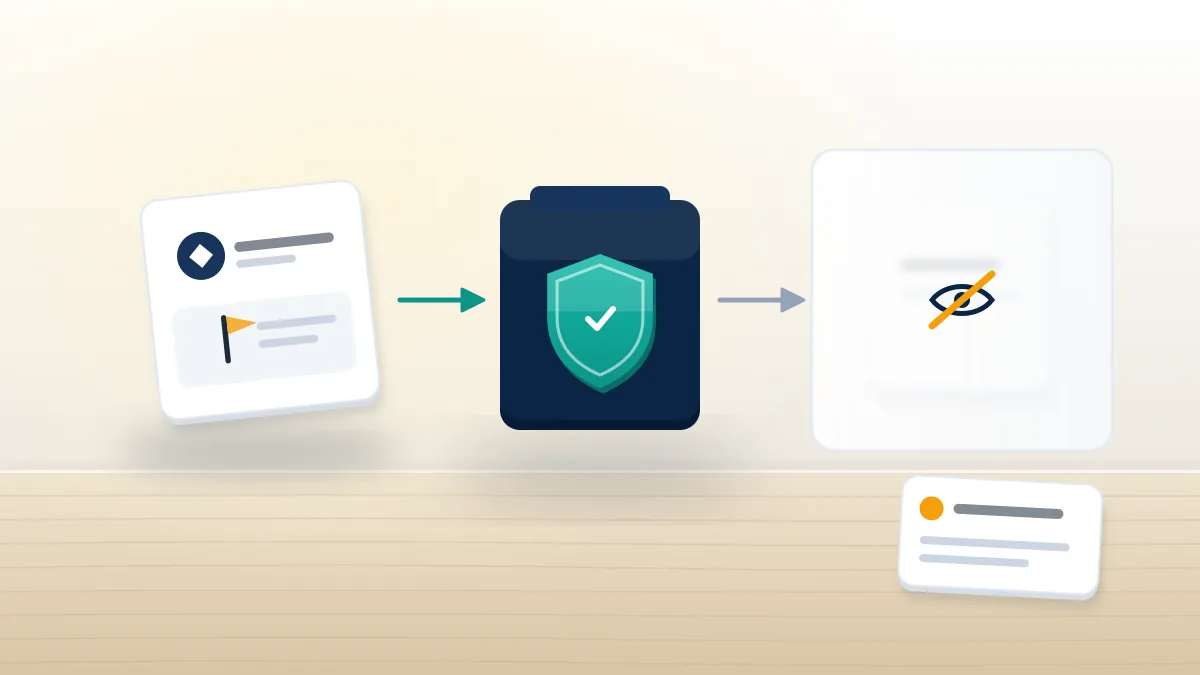
No. TikTok's Safety Center states it "will not disclose your identity to the person whose content or account you're reporting", and that any violation notice "will never include information about who reported their content" (TikTok, Reporting on TikTok, read 27 October 2026). Reported accounts see a policy name, never a reporter.
So can someone see if you report them on tiktok by any other route, such as a setting, a paid tool, or a support request? None exists, and the notification the reported user receives has no reporter field to leak. When you report someone on tiktok is it anonymous for a LIVE or a DM as well? Yes, in every Community Guidelines category, and a surface-by-surface treatment of when you report a tiktok is it anonymous covers each one. Inference, not disclosure, is the realistic risk: a report filed minutes after an argument is easy to guess at, so waiting a day and blocking afterwards removes most of it, and blocking does nothing to weaken a report already filed. One carve-out is legal rather than policy. Copyright notices are DMCA filings, and the statute's notice provisions require the complainant to identify themselves, so TikTok forwards your name to the uploader.
On every route, Your Reputation Solution files and escalates the report and prepares the evidence it turns on; TikTok's moderation teams make the final decision.
What happens after you report someone on TikTok
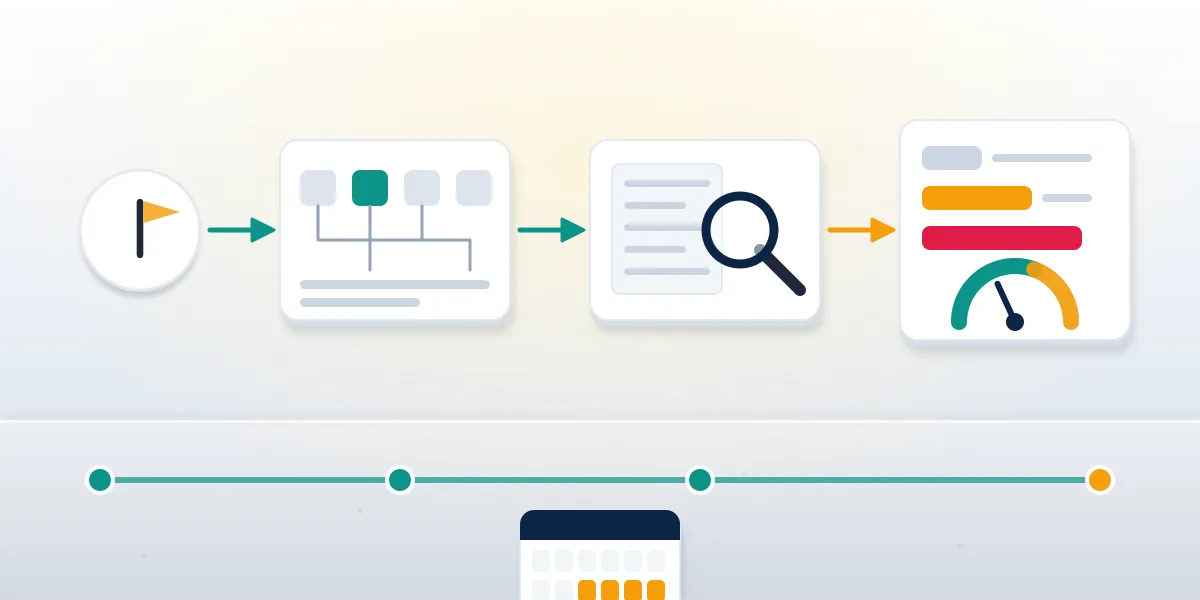
Each report enters automated triage, where a classifier compares the content against the policy you named. Clear matches get actioned there with no human involved. Everything ambiguous, plus every category where context decides, goes to a moderator who sees the content, your reason and the account's enforcement history, and who never sees your name.
Outcomes sit on a ladder. Per TikTok's account enforcement system, a removal adds a strike, strikes are counted per policy and per feature such as comments, DMs or LIVE, and "strikes will expire from an account's record after 90 days". First removals normally carry a warning strike, a severe violation skips straight to a permanent ban, and the reported user tracks all of it in Account status, graded Healthy, Fair, Severe or Banned over the trailing 90 days, which is why if you report someone on tiktok do they get banned has no single number. In the EU they also receive a written statement of reasons they can contest under Article 17 of the Digital Services Act.
You see far less. TikTok says it "may update you on the status and progress of your report in your inbox", and the record lives under Profile, Menu, Settings and privacy, Support, Safety Center, Report records. Timing is a property of the category rather than of your patience: automated decisions land within minutes, in-app reports that need a human commonly resolve inside a few days, and evidence-backed web forms with an ID check are the slow track, typically one to two weeks in the impersonation cases Your Reputation Solution tracked through 2026. No service-level figure is published by TikTok, so the flat "24 to 48 hours" repeated by third-party guides describes the automated path only, and reading silence as rejection is the mistake that costs people a valid case. Check Report records rather than the reported profile, which stays visible for days after its posts were actioned, and keep the confirmation screenshot with the date on it.
When the report fails: impersonation forms and fake accounts
Reports closed with no action are a signal that the case needs evidence the app could not carry. Can you report someone on tiktok without an account, or after your own was banned? Yes, through the web forms, which accept attachments the in-app flow does not, and the same forms answer can you report a tiktok account on someone else's behalf.
Impersonation is where that gap shows most. An in-app tiktok impersonation report sends a category. The tiktok impersonation report form sends proof of who you are: for US accounts the submit-requests form asks for your email, country, who is being impersonated, a valid ID upload and an electronic signature, while outside the US the Report a problem form takes Topic "Report a potential violation", then "Account violation", then "Impersonation". Both decide on documents rather than on a dropdown. Our field guide to how to report an impersonation account on tiktok lists what each asks for, and a clone that copies content without claiming your identity is a tiktok report fake account case instead, judged on deception rather than resemblance, with its own how to report fake tiktok account checklist. Any tiktok report impersonation filing that involves intimate imagery or a sexual deepfake has a separate webform and a faster lane, and Your Reputation Solution routes those first.

How to refile a stalled TikTok report
Refile once, under the correct reason, with dated evidence attached, and then leave it alone. Deleted content cannot be reported, so capture it before it goes; reporting the same item twice from one login adds no weight, because TikTok deduplicates repeat flags from a single reporter, and ten identical reports from one phone still read as one. What moves a stalled case is a fresh submission that names a different, better-fitting policy and carries dated screenshots, the profile URL and, where identity decides, an ID document through the web form. Which evidence each policy team wants is set out under how to get a tiktok account taken down, and the order matters: video report first, account report second, legal notice last, because each later step inherits the record of the earlier ones. Where a crime occurred, a police report runs alongside the platform report, never instead of it, and the case number goes into the refiled report's description field.
In the stalled cases Your Reputation Solution reopened this year, the usual fault was a correct complaint filed under the wrong reason, not a report TikTok ignored.
Do TikTok report bots work?
No. TikTok judges whether content breaks a rule, not how many accounts objected to it, and coordinated flagging is itself prohibited under the platform-manipulation section of the Community Guidelines.
Searches for tiktok report bots surface GitHub scripts, APKs and sellers offering hundreds of flags for a few dollars. Those scripts break against rate limiting and device attestation; the sellers charge for an outcome they cannot influence; and the 86,288,705 fake accounts TikTok removed in Q1 2026 (same enforcement report) show how aggressively the throwaway accounts those tools depend on get purged. Our teardown of mass tiktok report bot products found one pattern with no exceptions: the buyer pays, the target stays, and the buyer's own account picks up a manipulation signal that follows it into every later report it files. Volume creates no breach where none exists, and it cannot speed up a reviewer who is reading the same clip under the same policy whether one person flagged it or four hundred did. Evidence attached to a single accurate report is the honest lever, and the only one that survives an appeal.
Filed a report, waited, and nothing moved? Your Reputation Solution reviews what was submitted, finds the route the case belonged in, and handles the refiling and escalation. Get a free report review for your case.
We never ask for your password, never pay anyone for a removal, and never file a copyright claim over content a client does not own; the full list of what we decline is public for exactly this reason.
"How to banned a TikTok account" and deleting a banned one
Two odd searches land here, and both deserve a straight answer. People typing how to banned a tiktok account are usually being harmed and want it to stop, a legitimate goal with no shortcut: name the right policy, attach evidence, use the web form where identity or ownership decides, and escalate if it stalls. Paid ban tiktok account service sellers promise the shortcut, and it does not exist.
The other search runs the opposite way. If you were reported and lost the account, how to delete a banned tiktok account is an appeal question wearing a deletion costume. Banned accounts can still log in to appeal and download their data, so the tiktok appeal suspended account steps come first, and asking can i recover a permanently banned tiktok account before deleting anything is the order that keeps options open. Deletion closes the appeal route permanently, because the form needs the account it appeals for, and a deleted account is deactivated for 30 days and then erased, per TikTok's own help wording. Being reported did not ban you, by the way; a reviewer finding a real policy breach did, which is why appeals that address the cited policy succeed more often than appeals that protest the report. Severe-category bans are final, and no filing changes that.
Deletion timing has a clock of its own, set out under how long does it take to delete a tiktok account, and it starts the moment you confirm, not the moment the ban notice arrived, so the appeal window and the deletion window run on different calendars.